SAVE LINKS, PHOTOS, FILES AND PLACES
“Where didI save that?”
A link in a chat. A café on your feed. An article in a tab. Keep them in Stashio, so you know where to look.
FROM GOOGLE MAPS TO STASHIO
Click to see each step ↗ Google Maps → Stashio Android · App screenshots
PICK SOMETHING YOU NEED Pick a task.See what Stashio does. Choose a task, then click each step to see what happens.
Save a link Read an article Find a saved place Plan a trip Cook a recipe Save from Chrome Switch devices
Open full-size ↗ Google Maps → Stashio Android · App screenshots The image could not load. Open the full-size image below.
WHEN WOULD I USE THIS? Sending links to yourself? Save to Stashio instead. Your articles, photos and files stay together.
▷ Play 3 steps 01 In Google Maps, tap Share on the place page.02 Choose Stashio in the share sheet.03 Open Stashio: the shared place is now in your library.
Details and supported devices ↗
Open full-size ↗ Stashio Web · App screenshots · Sample data The image could not load. Open the full-size image below.
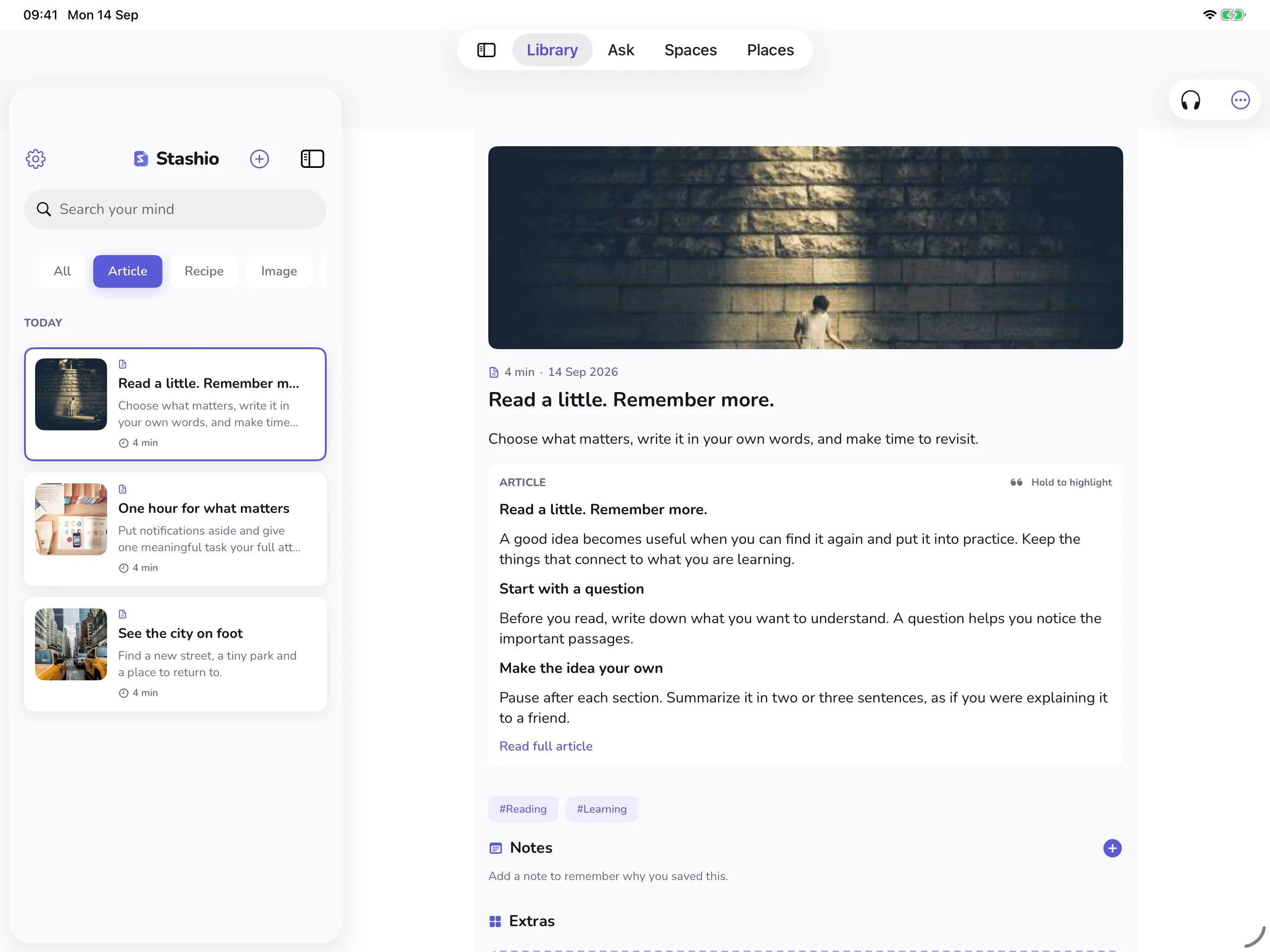
WHEN WOULD I USE THIS? No time for the whole article? Start with the summary. Read, highlight or listen when you have time.
▷ Play 3 steps 01 Choose an article in Library.02 Open Reader.03 Adjust the text size and background.
Details and supported devices ↗
Open full-size ↗ Stashio iPhone · App screenshots · Sample data The image could not load. Open the full-size image below.
WHEN WOULD I USE THIS? Where was that café you saved? Find your saved places on a map. Pick a spot for its details and directions.
▷ Play 3 steps 01 Open Places on iPhone to see your saved pins.02 Tap a pin for its name, address and actions.03 Tap Open item to revisit the saved content.
Details and supported devices ↗
Open full-size ↗ Stashio Web · App screenshots · Sample data The image could not load. Open the full-size image below.
WHEN WOULD I USE THIS? Keep the plan in one place. Collect places in a Space, plan the stops and keep track of shared expenses.
▷ Play 3 steps 01 Open the trip’s Space.02 Open Timeline to see the stops.03 Enter a time and note for a stop.
Details and supported devices ↗
Open full-size ↗ Stashio Web · App screenshots · Sample data The image could not load. Open the full-size image below.
WHEN WOULD I USE THIS? Actually make that saved recipe. Check the ingredients, tick off what you have and follow the steps.
▷ Play 3 steps 01 Open a saved recipe.02 Start cooking to see the first step.03 Move to the next step.
Details and supported devices ↗
Open full-size ↗ Chrome → Stashio Web · App screenshots The image could not load. Open the full-size image below.
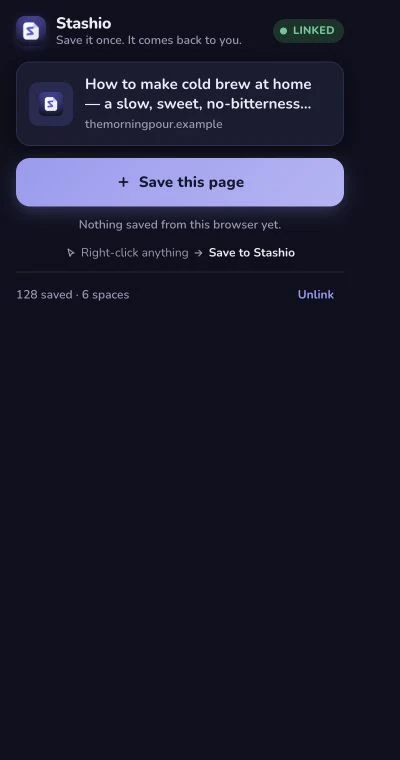
WHEN WOULD I USE THIS? Reading on your computer? Click Stashio to save the page you’re on. Pair the extension with your phone first.
▷ Play 2 steps 01 Open the Stashio extension on a page.02 Click Save this page and wait for confirmation.
Details and supported devices ↗
Open full-size ↗ Stashio Android → Web · App screenshots The image could not load. Open the full-size image below.
WHEN WOULD I USE THIS? Save on your phone. Open on your computer. Pair your devices to use the same library. Processing status updates while the app is open and connected.
▷ Play 2 steps 01 The Google Maps share is in Stashio on Android.02 Open the paired web app: the same place and original link are there.
Details and supported devices ↗
Enable JavaScript to switch demos, or open the feature page for images and instructions.
STASHIO / SEE THE STEPS
Save, read, plan.See it in one video. A narrated introduction with captions. Switch to VI at the top for the Vietnamese edition.
Your browser does not support video.
0:00 · Save from Google Maps 0:09 · Read a saved article 0:16 · Open a place from the map 0:24 · Plan the stops 0:31 · Record a shared expense 0:37 · Open the same save on the web
Captured Google Maps and Stashio screens. Sample data and synthetic narration.
ON YOUR DEVICES
Save on your phone.Read on a bigger screen. iPad · Read iPad · Spaces Android Tablet Web Recipes
Choose a device above to see the app. Web and Chrome need pairing with the mobile app.
FREE AND PREMIUM
Start free.Upgrade when you need to. FREE Save, read and search. Save, read and search by keyword Allowances for AI features Pair devices, export and manage your data Get the app PREMIUM More AI and more tools. Semantic search and server reading voices Expanded AI and organization allowances More planning and publishing tools Explore features Current prices and allowances appear in the app. Review them before purchasing through the App Store or Google Play. The web app does not sell Premium directly.
FAQ
Common questions. Can I use the web app before installing the mobile app?+ The web app currently pairs by QR from the mobile app. Install Stashio on iOS or Android first, then pair from Settings → Linked devices.
Does it support iPad and tablets?+ Yes. The app adapts to larger screens and orientation. Layout and available space vary with window size.
Does AI need an internet connection?+ AI tasks such as summarization, recognition and answers require server processing. Draft saving, cached reading and offline behavior vary by platform.
Does saving a video download every video?+ No. Stashio keeps the link and content it can process. Extraction and playback depend on the source, access and processing limits.
Are my saves public?+ You choose when to share Spaces or publish supported content. Public features create links others can view. Read the privacy policy for details about data and AI processing.
 stashio
 Open full-size ↗Google Maps → Stashio Android · App screenshots